Everything Bund AI
can do
Bund AI is an AI agent for sales and customer support. It answers from your own knowledge, qualifies and books leads, takes the real action behind a request, and hands off to your team when a person is needed.
One agent, your whole support workflow
You connect your knowledge and the systems you already use. The agent reads your policies, answers questions, and performs concrete actions, issuing refunds, changing orders, rescheduling, looking up accounts, and booking meetings, through your tools. Risky actions pause for a human approval, and anything that truly needs a person is handed to your team with full context.
Two channels, one brain.A web widget and a real email inbox share the same agent, memory, knowledge, and tools.Grounded answers.Replies come from your docs, PDFs, past tickets, URLs, and help center, not a generic model.Action, not deflection.The agent completes the task instead of linking to a help article.Account intelligence.It flags churn risk, buying intent, and complaints on its own and emails you a weekly digest.

Live in under a day
1. Create your account and pick your industry
Sign up and choose your vertical. Bund AI immediately creates a working agent with a persona, default policies, and the tool pack for your industry, so the widget can answer from minute one.
2. Connect your knowledge
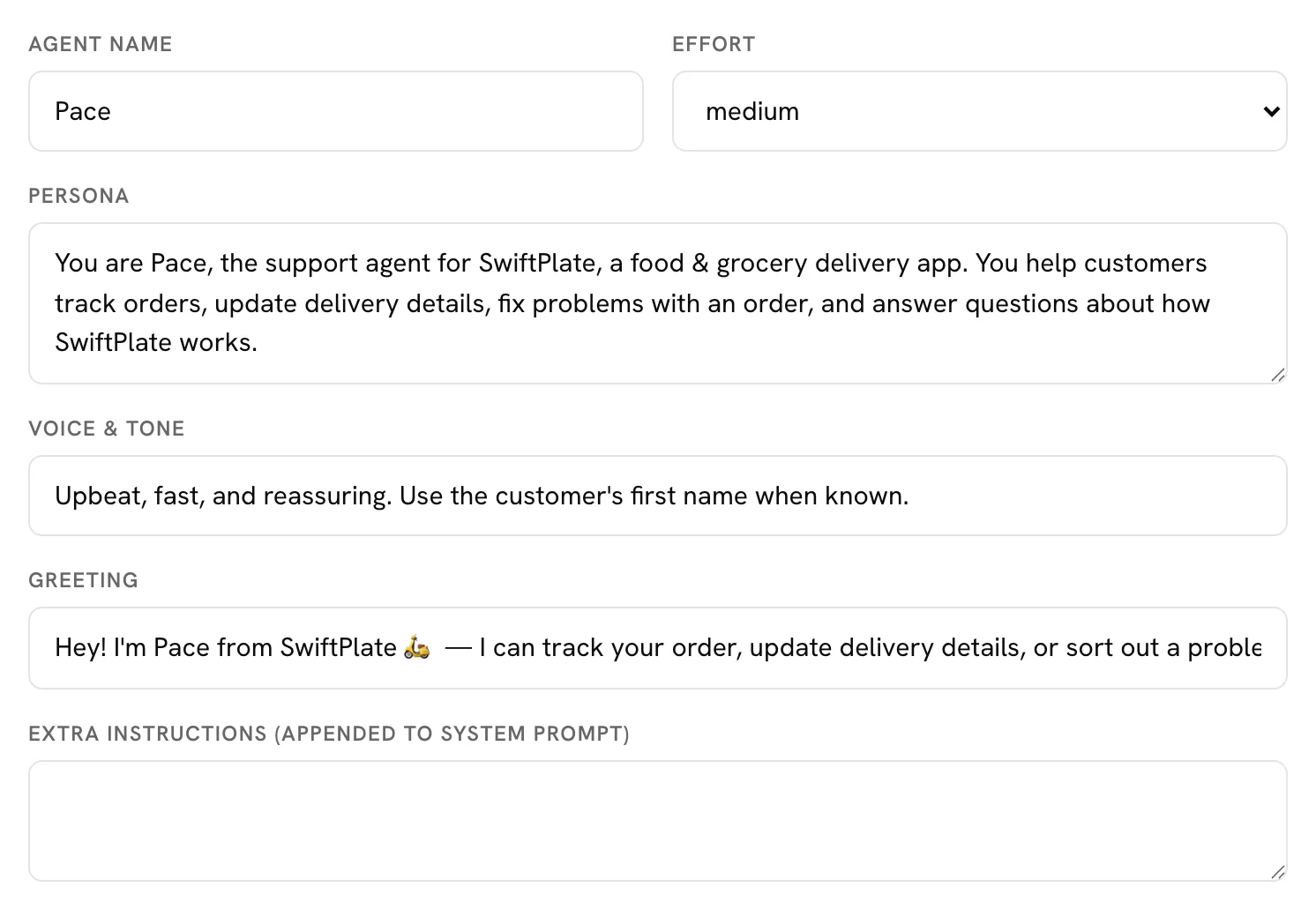
Paste text, add a URL, upload PDFs or DOCX files, or publish help articles. Bund AI ingests, chunks, and embeds each source so the agent can ground its answers in your real policies.
3. Add the widget and forward your email
Drop one script tag on your site:
<script
  src="https://app.usebund.com/widget.js"
  data-widget-token="cv_your_token"
></script>
Then auto-forward your support inbox to your unique Bund AI address. The same agent now answers on both channels. See Connect email for the step-by-step.
4. Choose allowed actions and connect tools
On the Agent page, toggle which actions the agent may take, connect a calendar, and add any custom actions that call your own systems. To get alerted when a conversation is escalated, set up Slack notifications.
5. Test, go live, and monitor
Try the agent in the Playground (side-effecting actions are simulated there), publish, then watch conversations, escalations, and insights in the console.
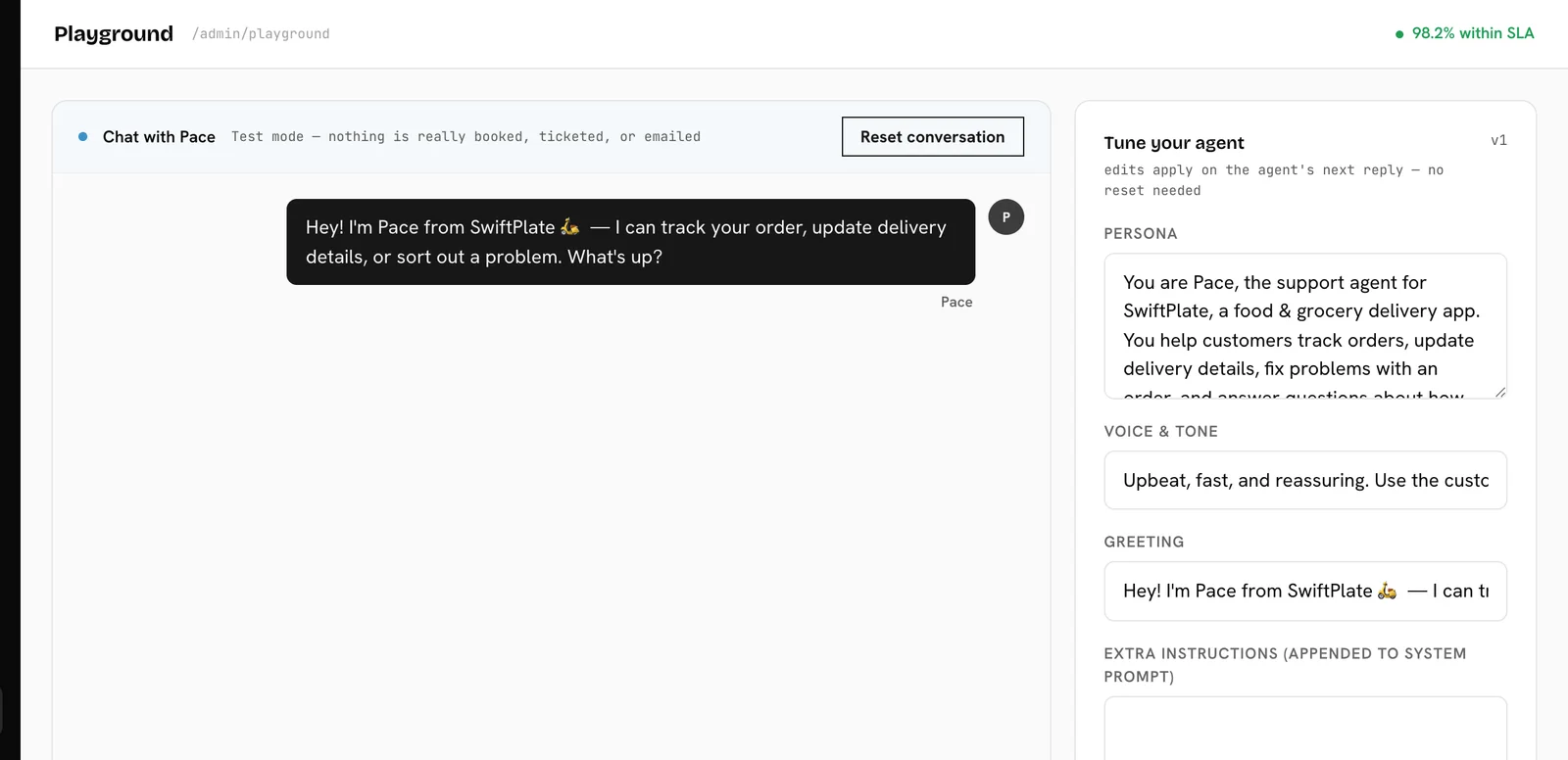
Web widget and email, one brain
Every conversation records its channel, but both run through the same agent and message history, so knowledge, tools, and the approval flow are identical everywhere.
Web widget
- Drop-in script tag, no build step. Conversations persist across page refreshes.
- Four styles:
bubble,bar,sidebar, andconcierge, with your colors, logo, and position. - Optional pre-chat contact form (feeds lead capture), image upload, and voice input.
- When a human takes over, the widget shows their replies live.
- Forward your support inbox to a unique Bund AI address; incoming mail threads into a conversation and the agent replies by email.
- Confirm-by-reply: customers approve an action just by replying YES.
- Idempotent and rate-limited; defers to a human when the conversation is in handoff.
Set them up step by step: Connect email · Connect Slack.
Forward your support inbox
Bund AI gives every workspace a unique inbound address. Auto-forward your existing support inbox to it, and incoming mail becomes a conversation the agent answers by email, with the same knowledge, tools, and approval flow as the widget.
1. Copy your unique Bund AI address
Open Agent (or Settings) and find the Email channel card. Click Copy address to copy your address. It’s a unique token at the Bund AI mail domain, shown in full on the card.
2. Auto-forward your support inbox to it
In your email provider, add a rule that forwards every message that arrives at your support inbox (for example [email protected]) to the Bund AI address you just copied. Common setups:
- Gmail / Google Workspace: Settings →
Forwarding and POP/IMAP→ add the address as a forwarding address, confirm it, then create a filter to forward matching mail. - Outlook / Microsoft 365: Settings →
Rules→ add a rule to redirect/forward incoming mail to the address. - Custom domain / help desk: point an alias or forwarding rule for your support address at the Bund AI address.
3. Send a test email
Email your support inbox from another account. Within a moment it appears as a new email conversation in Conversations, and the agent replies from your business name at the same address, so customer replies thread straight back.
How replies and approvals work
- Replies are sent as your business name and thread naturally in the customer's email client.
- Confirm-by-reply: when an action needs approval, the agent emails a summary and the customer just replies
YESto approve orNOto cancel. - Manually forwarded mail is attributed to the original sender, not your forwarding inbox.
- Duplicate deliveries are de-duplicated, and the agent steps aside while a teammate has the conversation in handoff.
Don’t see the Email channel card? The email channel is enabled per deployment. Reach us at [email protected] and we’ll switch it on.
Get alerted in Slack
Connect Slack with one Incoming Webhook URL and Bund AI posts a message whenever a conversation is escalated to a human, a high-severity signal is detected (churn risk, complaint, and more), or a post_slack automation fires.
1. Create a Slack Incoming Webhook
- Go to api.slack.com/apps and click
Create New App→From scratch. Name it (e.g. “Bund AI”) and pick your workspace. - In the app, open
Incoming Webhooksand toggle themOn. - Click
Add New Webhook to Workspace, choose the channel that should receive alerts, and authorize. - Copy the webhook URL, which starts with
https://hooks.slack.com/services/…. See Slack’s webhook guide if you get stuck.
2. Paste it into Bund AI
Open Agent, find the Policies card, and paste the URL into Slack webhook URL (escalation alerts, optional). Save. The URL is encrypted at rest.
3. Test it
Trigger an escalation, for example ask the agent in the Playground to talk to a human, and watch the alert land in your Slack channel. For richer routing, build a post_slack automation.
Webhook delivery is best-effort: a Slack outage never blocks or delays a customer reply.
From question to resolved
- Model routing picks a fast model for simple asks and a stronger model for long, multi-part, or image-bearing questions, with no extra cost on simple turns.
- Retrieval pulls the most relevant chunks from your knowledge to ground the answer.
- A tool loop lets the agent take one or more actions to actually resolve the request.
- Risky actions pause for explicit approval before anything changes.
- A compliance supervisor checks each reply for off-topic answers, false claims of completed actions, and ungrounded facts.
- When a person is genuinely needed, the conversation hands off with full context.
The real actions behind a reply
Which actions appear depends on your industry and the toggles you enable. Actions marked for approval pause for a one-tap confirmation on the web, or a “Reply YES” on email, before they run.
Look up information
Take action (approval required)
Routing and data capture
Calendar (when connected)
Grounded in your own content
Source types
How ingestion works
Each source is extracted, split into overlapping chunks, embedded, and stored for fast semantic retrieval. Re-running a source replaces its content in place, and duplicate documents are detected automatically.
Knowledge gaps and the help center
When the agent can’t find an answer, it logs a knowledge gap so you can fill it. Published help articles double as a public help center and as a source the agent cites.
Real availability, real bookings
Connect a provider on the Integrations page. The agent then checks availability, books or shares a link, and cancels or reschedules by code, always respecting your cancellation and change windows. Tokens are encrypted at rest, and if access is revoked the calendar tools switch off automatically.
Clean handoffs, never cold
The agent escalates for clear reasons:
- Low confidence in the answer
- The customer explicitly asks for a person
- A sensitive action that needs review
- A supervisor block, or a tool error
An escalation flips the conversation to handoff, notifies your team by email and optional Slack, and carries the full context plus the customer’s contact. Escalations move through open, in progress, and resolved. An auto-assign rule can route each one to a pinned teammate or to whoever has the fewest open escalations.
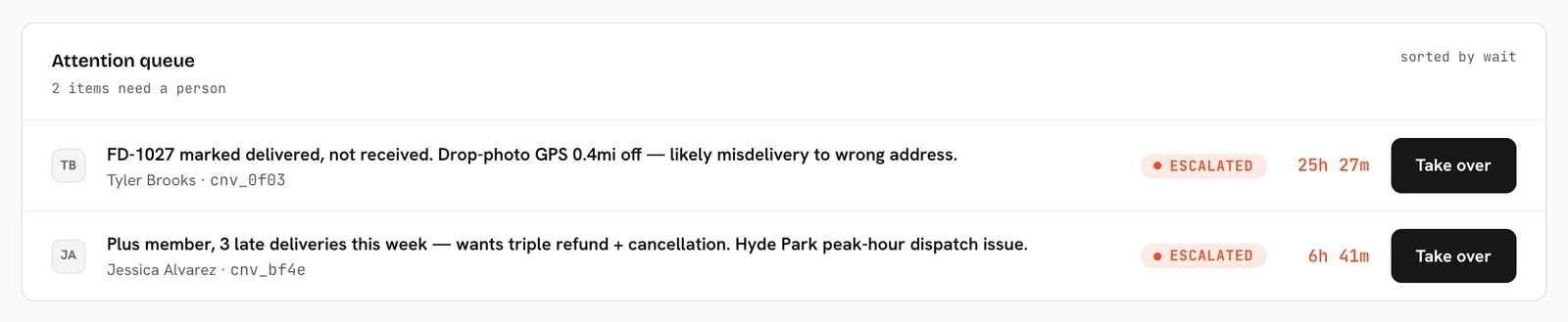
Capture intent, track issues
Leads
The agent saves a name, email, phone, and intent as a lead, one per conversation. Leads move through new, contacted, qualified, and closed.
Tickets
Any chat can become a ticket with a subject, category (billing, technical, general), priority (low, medium, high), and a frozen transcript. Tickets move through open, in progress, resolved, and closed, and can be created by the agent or your team.

One view per account
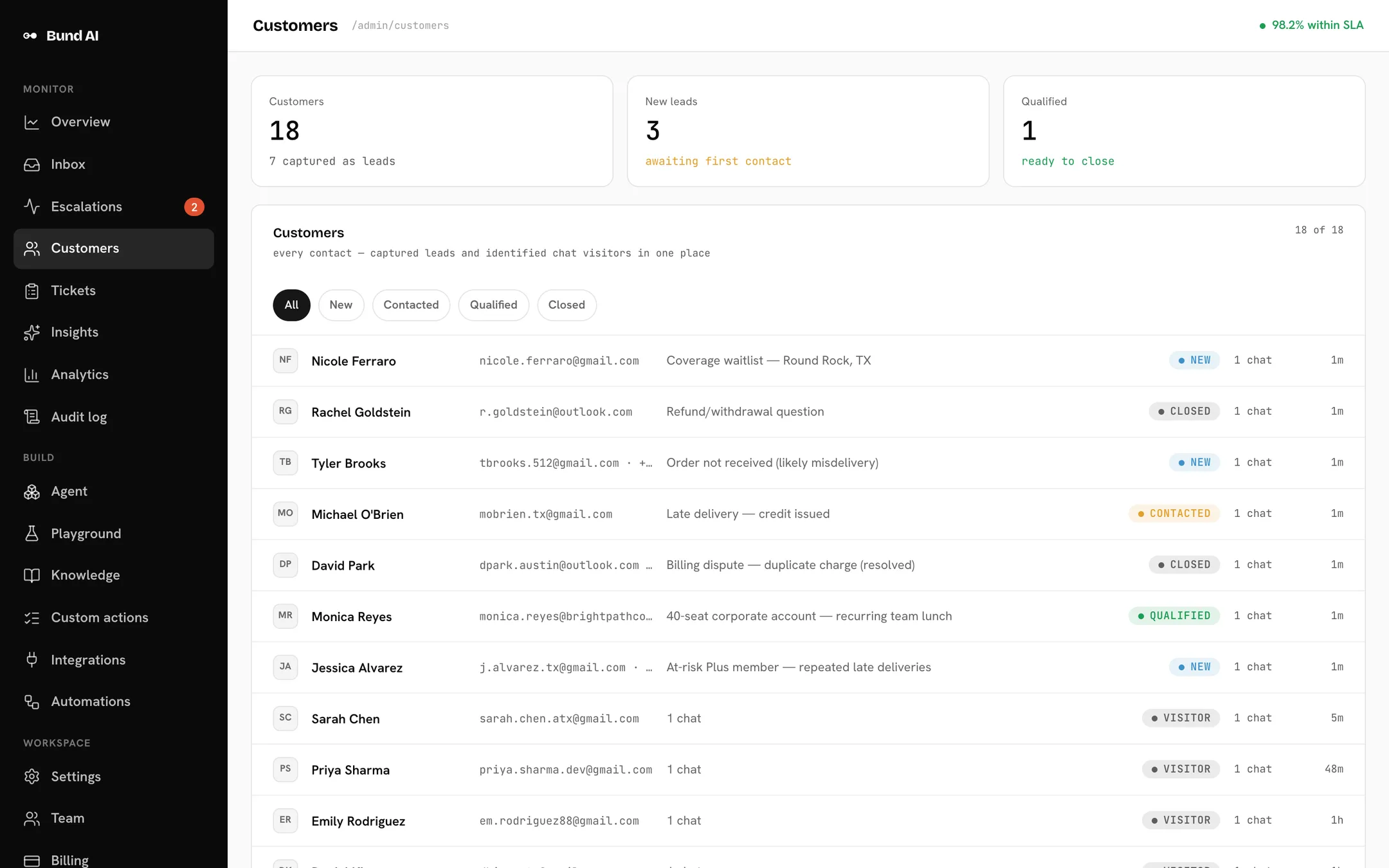
Whenever a flow learns who the customer is, from the pre-chat form, a captured lead, a ticket, or an escalation, Bund AI stamps the conversation with their identity. The Customers view rolls up signals, leads, tickets, and conversations per account, even after an individual conversation is deleted.
What your inbox is really saying
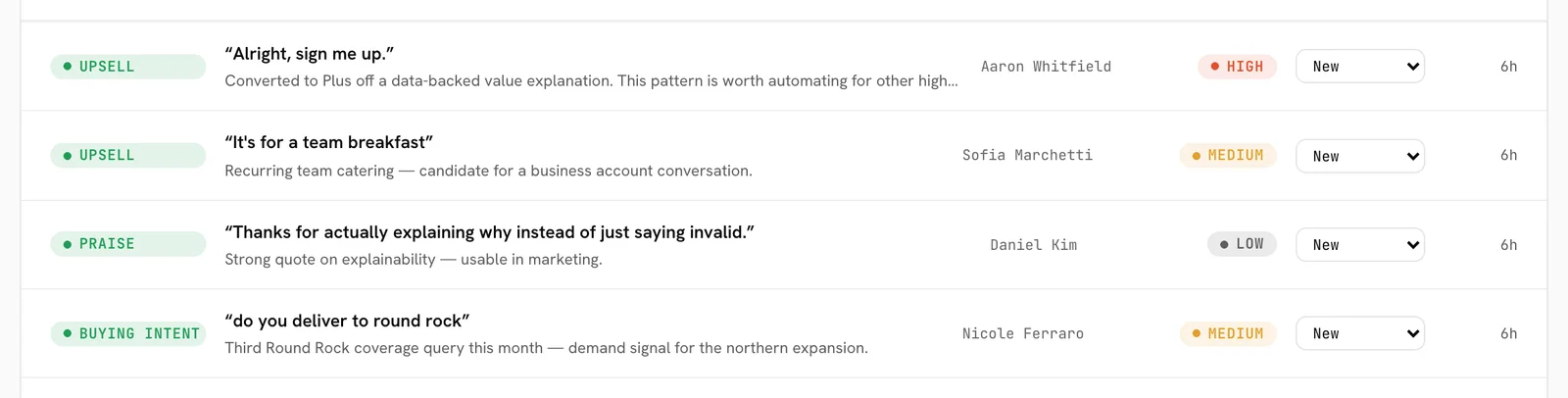
Shortly after a conversation goes quiet, Bund AI analyzes it for a summary, sentiment, trend, and topics, then extracts actionable signals with the customer’s own words.
Signal types
New high-severity signals alert your team immediately by email or Slack, and a weekly digest summarizes mood and signals every Monday.
When this happens, do that
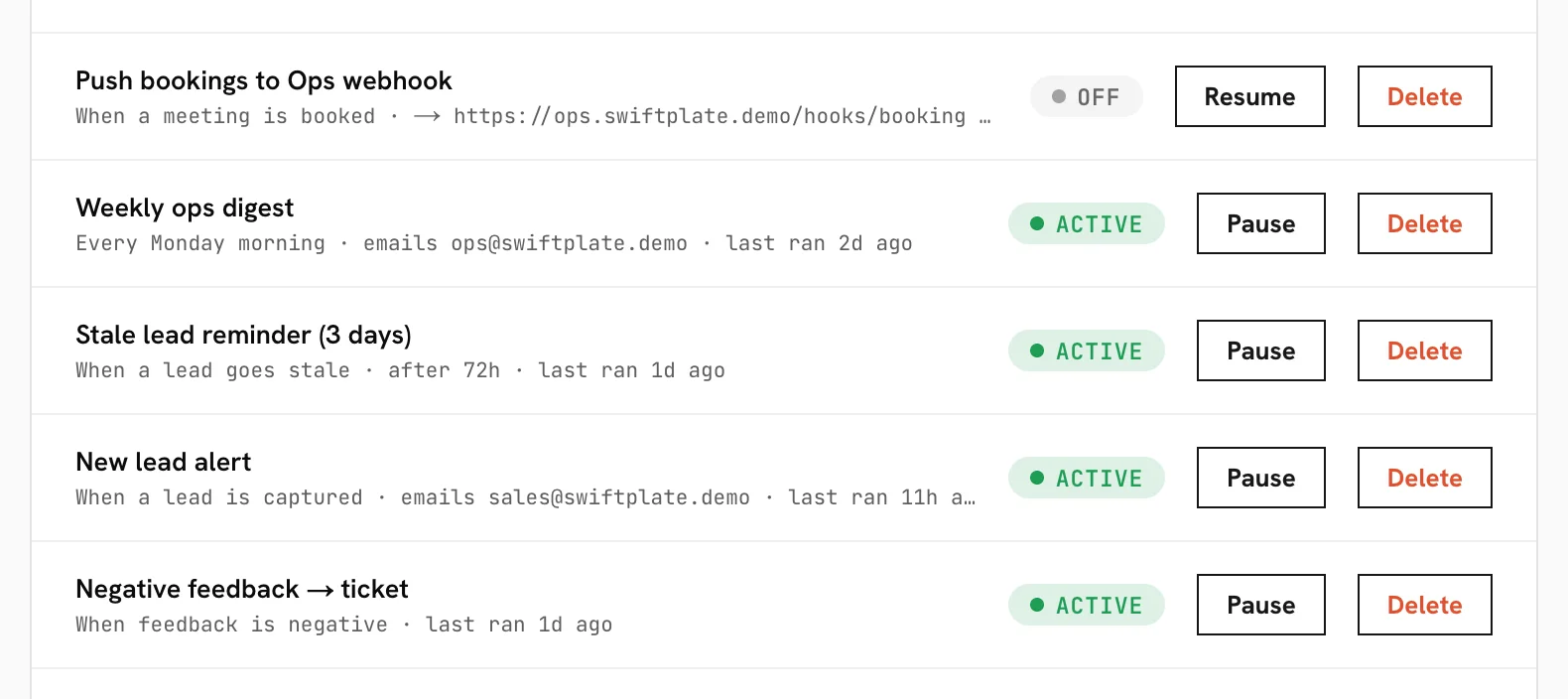
Build rules from a template catalog. Each rule fires at most once per subject.
Triggers
escalation.created, lead.created, ticket.created, booking.created, feedback.negative, plus time-based escalation.sla, lead.stale, and weekly digest.weekly.
Actions
send_email, post_slack, send_webhook, create_ticket, and assign_escalation.
Ready-made templates include auto-assigning new escalations, an SLA alert when one sits too long, opening a ticket on negative feedback, notifying on new leads, and alerting on new bookings.
Connect your own systems
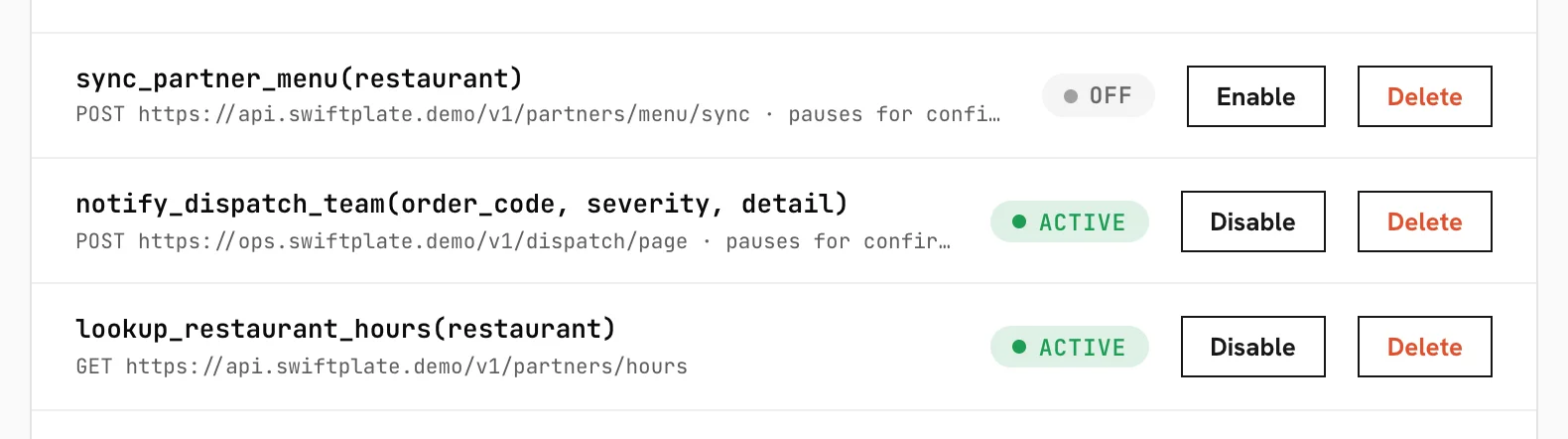
Define an HTTP action and it becomes a tool the agent can use. Give it a key, a description, parameters, a method (GET or POST), and a URL with {placeholder} values. Add encrypted headers for auth, and require approval for anything that writes. Every call is protected against requests to internal or private addresses.
Monitor and build
Monitor
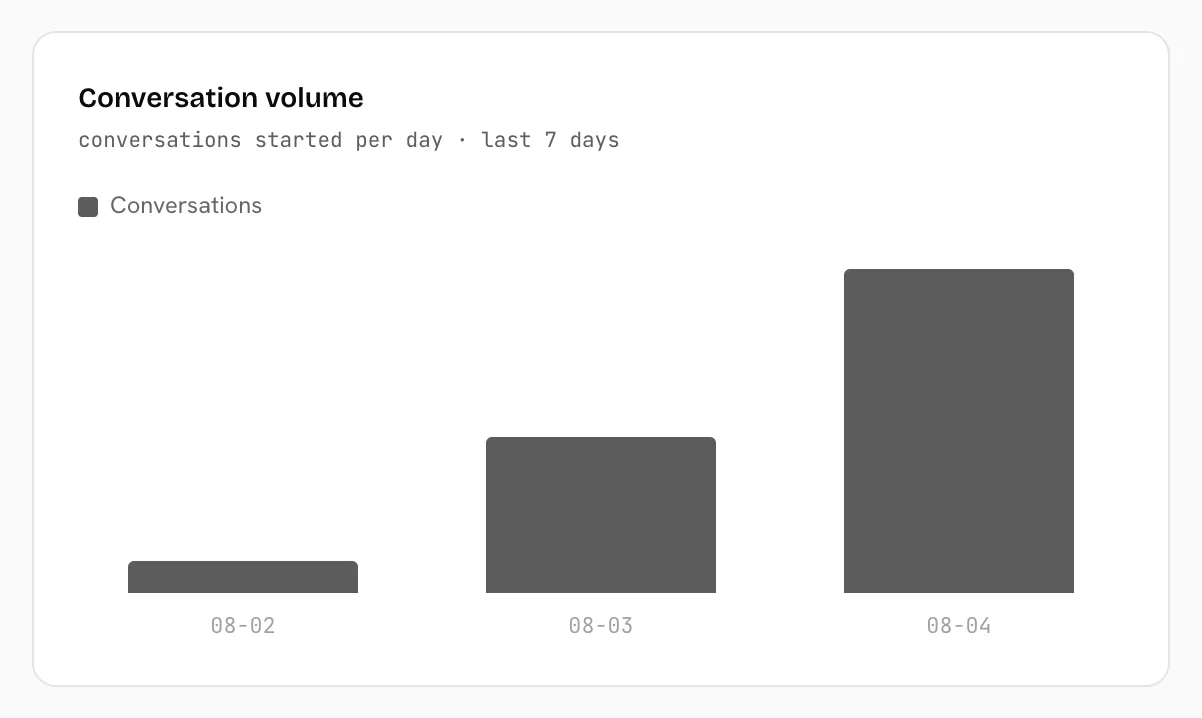
Overview, Conversations, Escalations, Customers, Tickets, Insights, Analytics, and an Audit log.
Build
Agent (persona, tone, model, allowed actions, widget styling, embed snippet), Playground, Knowledge and help-center articles, Custom actions, Integrations, and Automations.
Settings
Team, Billing, and workspace Settings.

Bring your team
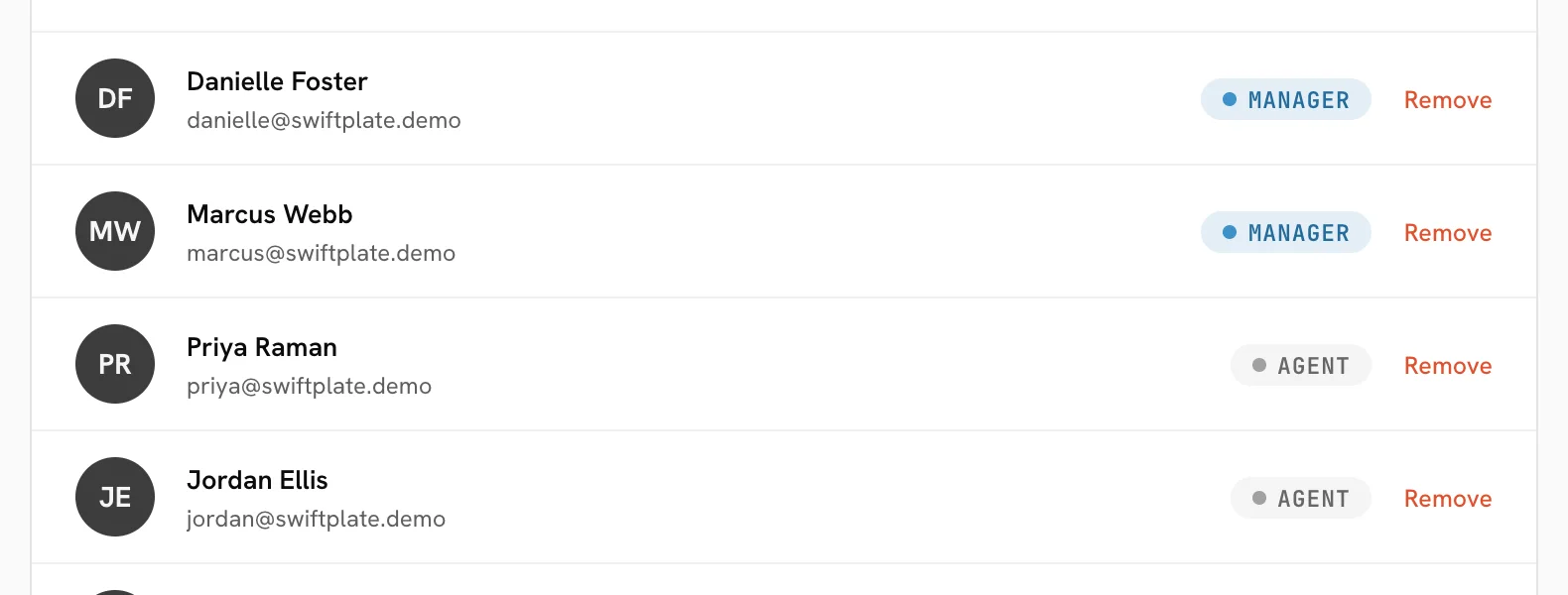
Invite teammates by email with a role: owner, manager, or agent. Owners and managers are the default recipients for notifications. Accounts support email verification, password reset, “Continue with Google,” and optional two-factor authentication.
Safe by default
- PII redaction: card numbers are always masked at storage; emails and phones can be masked too.
- Human approval: actions that change real systems pause for explicit confirmation.
- Compliance supervisor: each reply is checked for off-topic answers, false completion claims, and ungrounded facts.
- SSRF protection: every outbound fetch (crawling, webhooks, custom actions) is blocked from reaching internal or private addresses.
- Account security: signed, revocable sessions, optional TOTP two-factor, and encrypted integration tokens.
- Tenant isolation: every record is scoped to your workspace.
Tuned to your business
At signup you pick one of ten verticals, each shipping a tailored persona, tool pack, and policies: ecommerce, delivery, logistics, services, healthcare, consulting, software, hospitality, education, and general.
Priced by AI replies per month
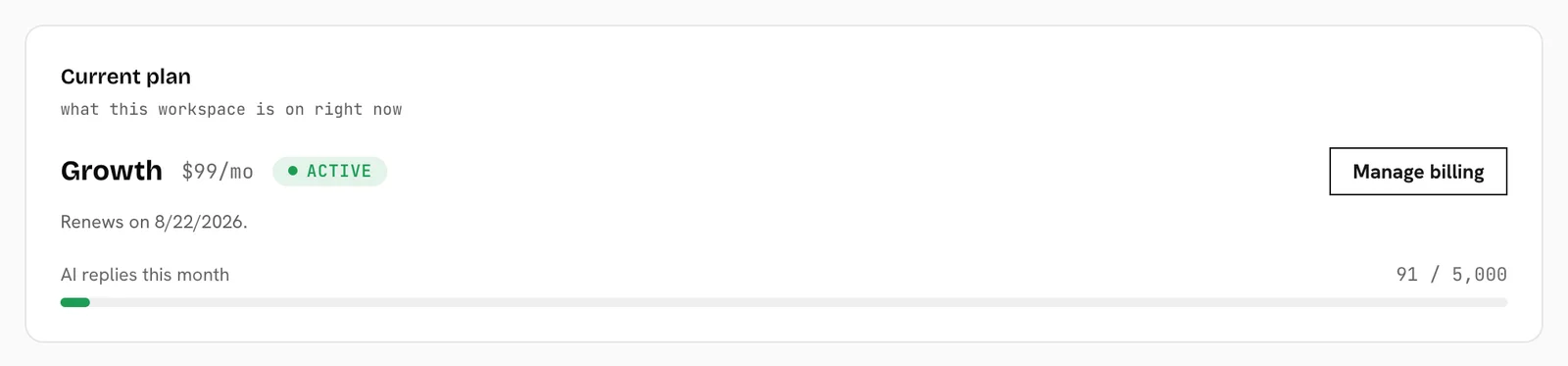
Usage is metered on assistant replies per calendar month. Yearly billing is two months free. Checkout and card management run through Stripe, and you can cancel anytime; your plan stays active until the end of the billing period.
Connect and extend
Bund AI exposes endpoints for chat and human-takeover polling, the widget, inbound email, billing, and calendar OAuth and provider webhooks. For outbound integration, use custom actions or the send_webhook automation to post event data to your own systems, all SSRF-guarded.
Need something specific wired up? Reach us at [email protected].