Workflow automations that act the moment something happens in sales or support
Bund AI runs when-this-then-that automations across your sales and support conversations.
The roadblocks it removes
Routing happens by hand
Someone has to notice each escalation and assign it. Bund AI auto-assigns new escalations and alerts when one sits too long, with no manual triage.
Important events go unnoticed
A new lead or a negative review can slip past a busy team. Bund AI notifies the right people the moment it happens, by email or Slack.
Glue work between tools is manual
Copying support events into your other systems eats time. Bund AI posts a webhook or opens a ticket automatically, so the handoff between tools just happens.
It takes the action, not just the question
Triggers fire inline or on a schedule, and each rule runs an action automatically. Ready-made templates get you started in minutes. Risky actions pause for a one-tap human approval, and anything that truly needs a person hands off with full context.
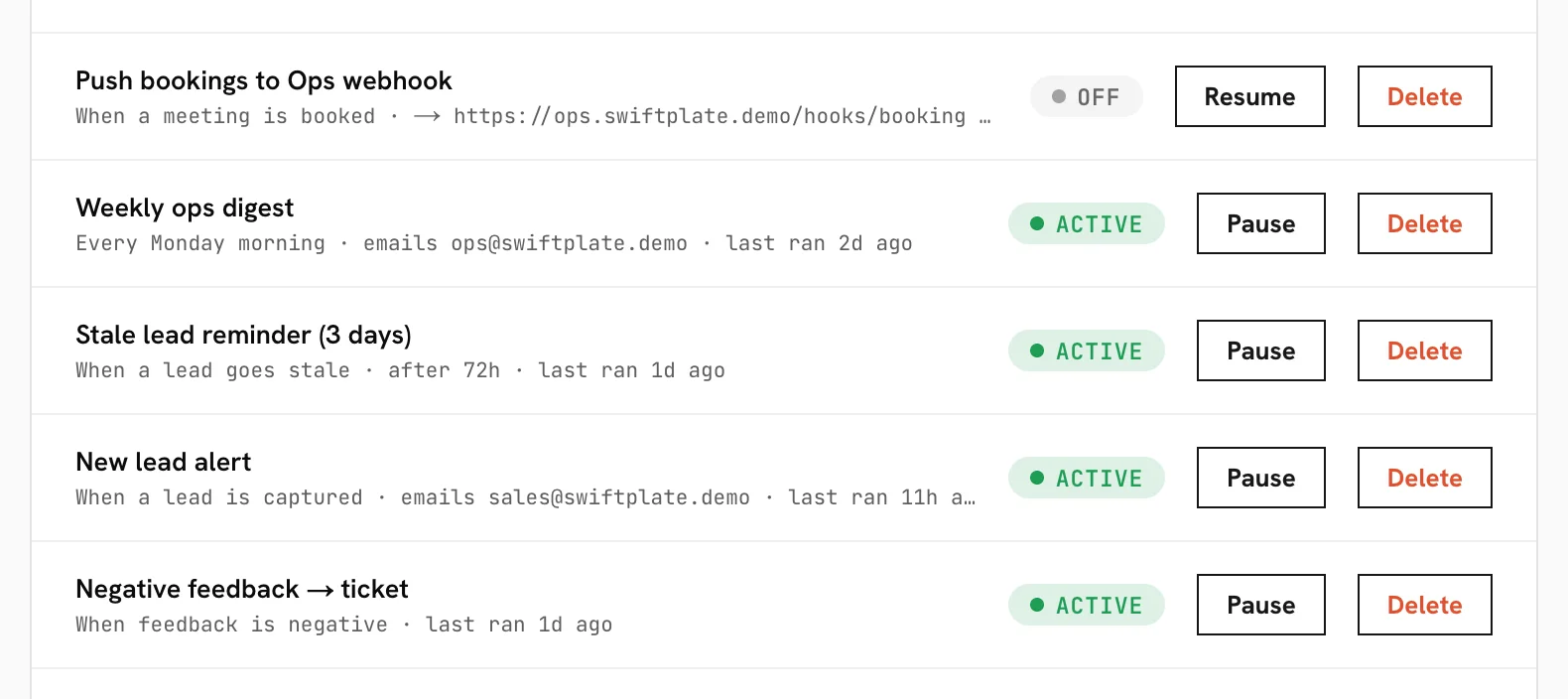
Event triggers fire inline; time-based ones run on a schedule. Every automation run is deduped per subject.
Questions teams ask
What can a workflow automation do?
Do I have to build rules from scratch?
Will a rule fire more than once for the same thing?
Automate the busywork around every sales and support event.
See it resolve a real ticket on your own support flow in a 20-minute demo, or get started today.